Bulk Update - Bulk Update or Delete Records From Database
Bulk Update with auto-SQL generation based on entity selection. Contineo supports bulk update operations to perform multiple-row updates with multiple conditions.
Using the Bulk Update operation you can update multiple database rows at a time.
Bulk operations allow you to run a single query using a list of parameter values. The query is executed for each one of the parameters in the parameters list.
Example: You have a device sensor data Table. We need to update the different threshold values for temperature and humidity for different devices.
Steps:
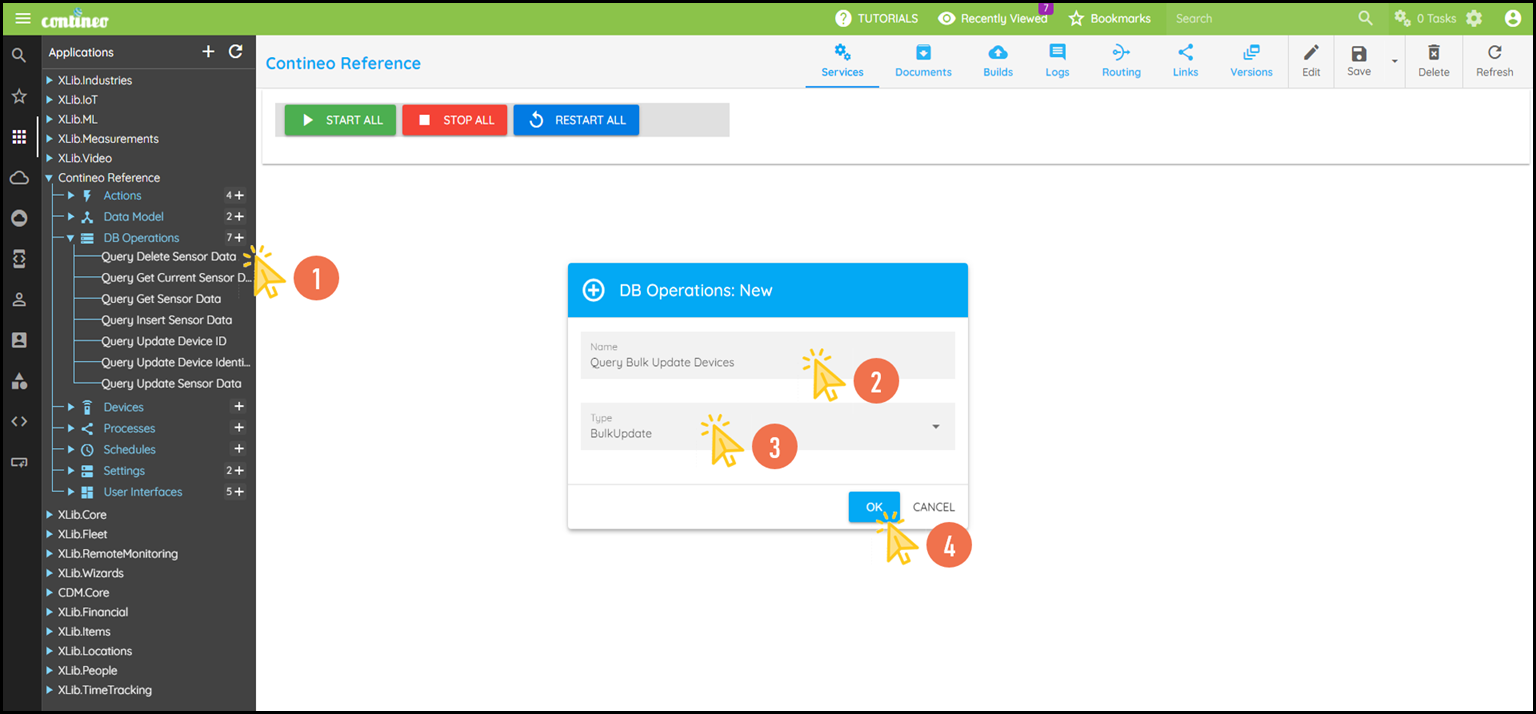
Click + under DB Operations to create the new database operation.
Enter the Name of the Operation and Select Type BulkUpdate.
Click OK. The new component is created and opened by the designer.
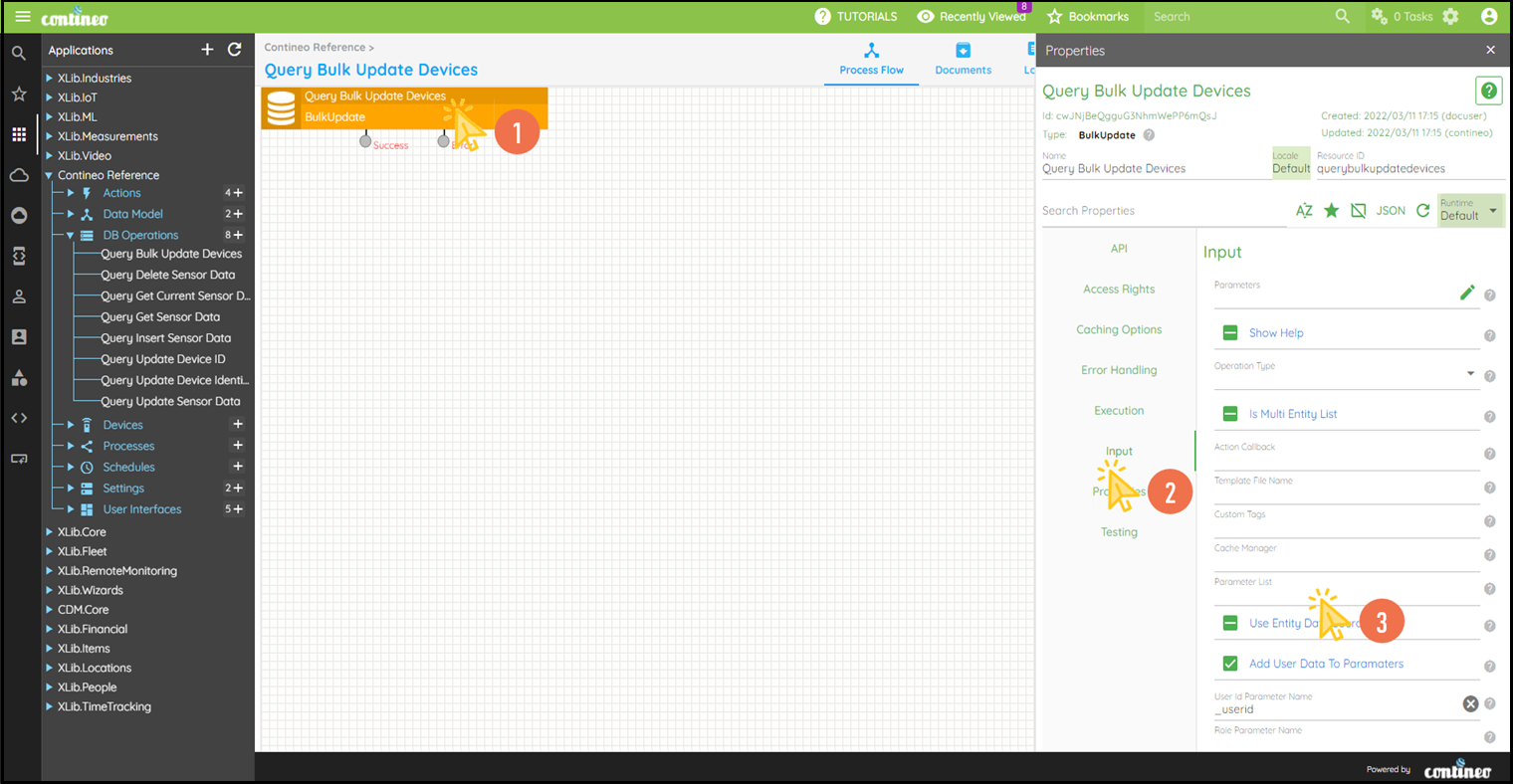
Click Edit in the top menu to open the Properties Panel.
Navigate to Properties > Data Source and select the required data source. You can create a new data source such as SQL Data Source under the Settings.
Click Properties > Instruction to open the editor to write the Update SQL Instruction.
Write down the SQL Instruction in the editor and click OK.
Alternatively, you may leave the Instruction field blank and select an Entity in the Properties > Entity field.
This auto-generates the update SQL based on the entity schema.
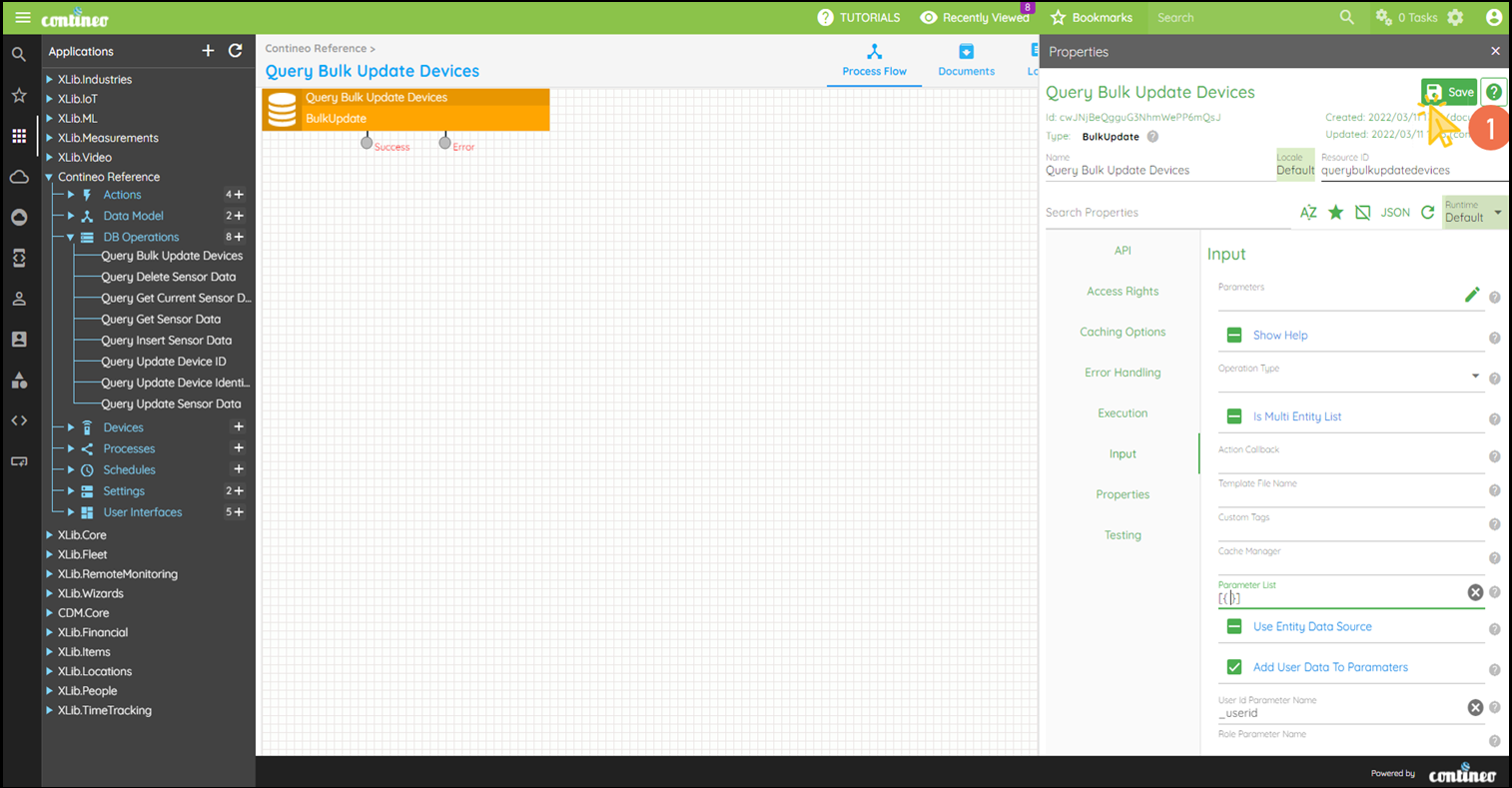
The input parameters are strongly typed to the target table, such as the names of the parameters must match the field Resource IDs in the entity schema.Navigate to the List inside the Properties Panel. Provide the input array to perform bulk update operations.
Click SAVE to save the configuration.