Create an Application
Learn how to create an application.
Steps:
Open the Applications explorer.
Click
+in the top bar.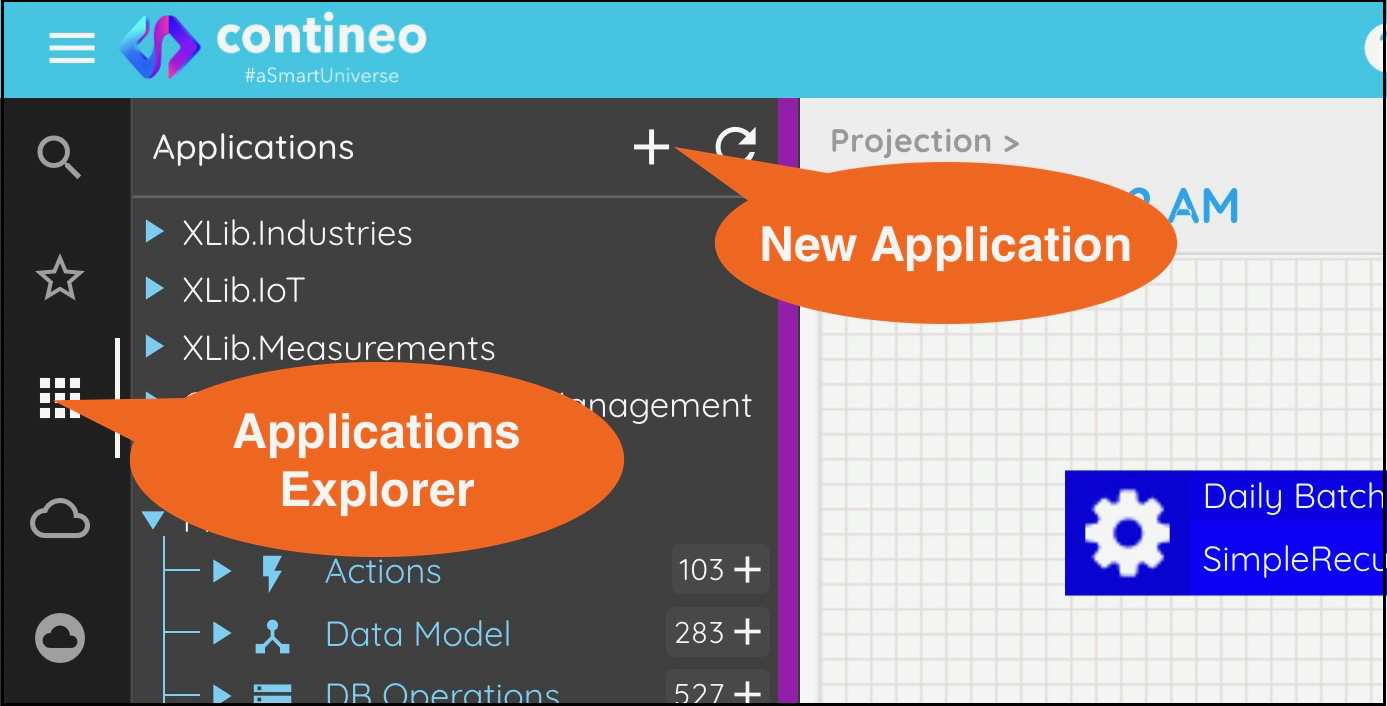
Enter the name of your application.
Note:
If you are using a trial account, your application name must be globally unique. It must not clash with application names created by other users. Component names within an application need not be globally unique. They just need to be unique within the application.
Click OK.
The application is created and displayed in the designer.