This section describes how to access Workflow Builder, how to create a workflow, benefits of the Workflow Builder, and a sample use case.
Accessing the Workflow Builder
On the NeoPilot's home scree, navigate to the Administrator > Workflows tab.
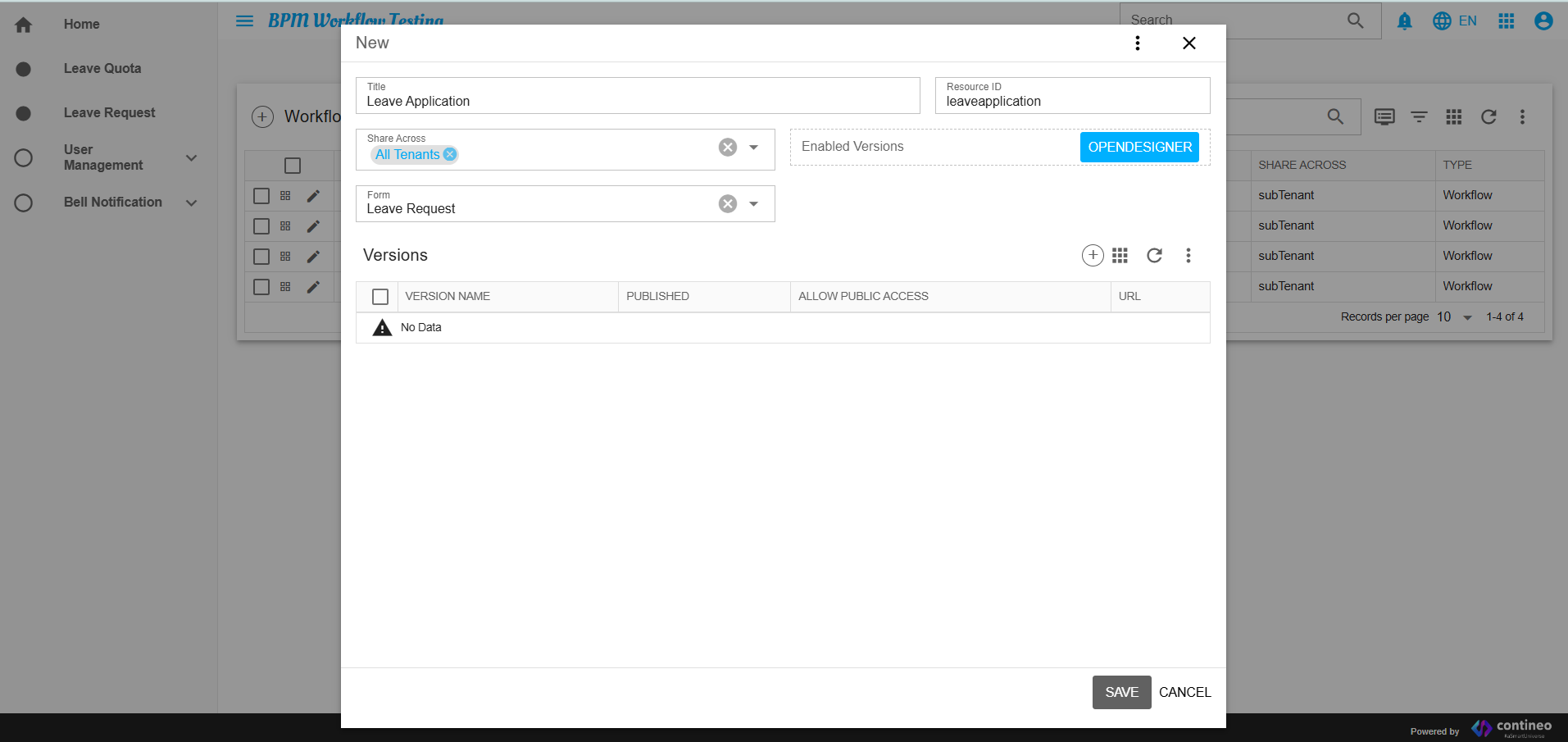
Click the + icon to create a new workflow.
Provide the Title and Description of your application. It populates the dropdown list with all available forms.
Select the desired form and click SAVE.
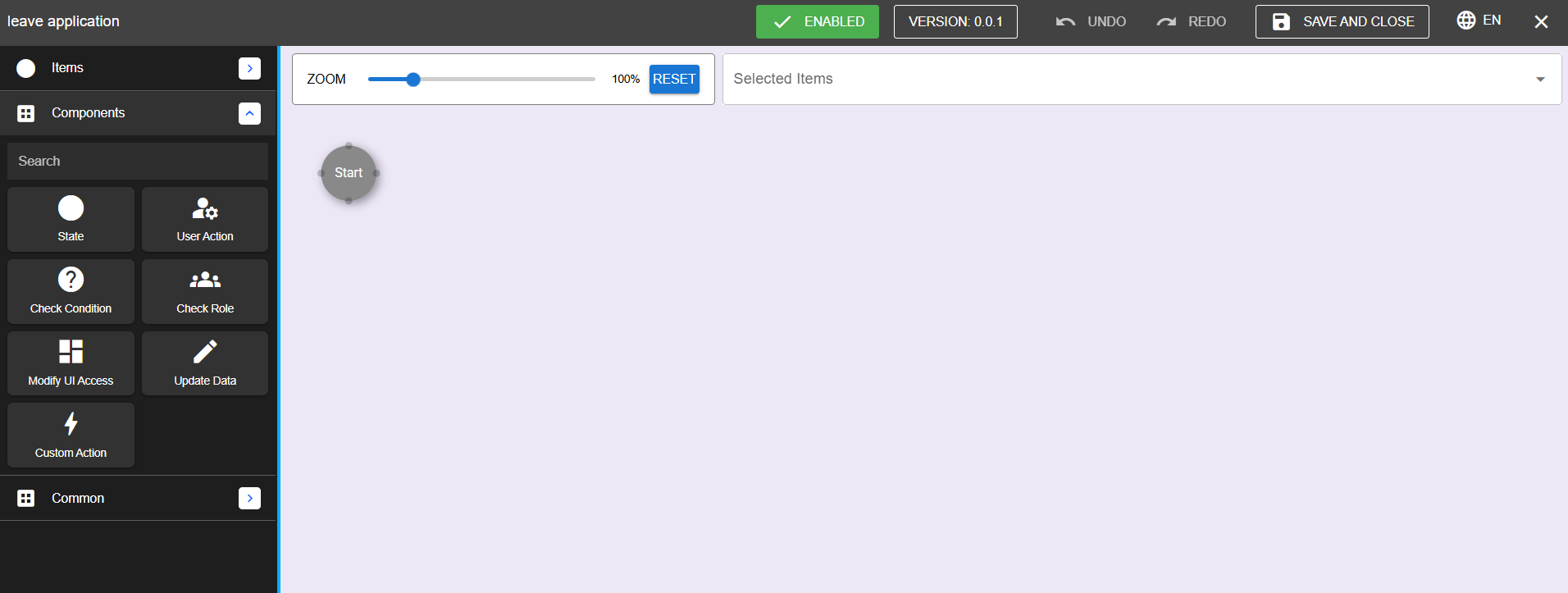
Reopen the workflow and click Open Designer to launch the Workflow Builder.
Workflow Creation Process
Define Workflow:
Create a new workflow and assign the required form.
Design Workflow:
Add states and other components as required.
Connect components to define transitions and dependencies.
Configure Components:
Double-click each component to configure specific conditions, roles, and actions.
Test Workflow:
Simulate the workflow to verify its behavior and logic.
Deploy Workflow:
Save and publish the workflow for application use.
Benefits of Workflow Builder
Enhanced Quality: Improved application depth through state management and validations.
Role-Based Control: Flexible role-based access and permissions.
Customizable Logic: Tailor workflows with custom actions and dynamic logic.
Streamlined Processes: Automated data updates and condition checks for efficient workflows.
Example Use Case: Leave Management System
States:
Start
Submitted
Pending
Approved
Rejected
Conditions:
Ensure leave quota sufficiency.
Roles:
HR: View salary and approve leave.
Manager: Approve leave only.
UI Access:
Hide salary fields from non-HR users.
Actions:
Update leave balance upon approval.
Send email notification for approvals or rejections.
Conclusion
The Workflow Builder is a versatile tool designed to streamline and enhance application workflows. By leveraging its components and features, users can create dynamic, role-based, and efficient workflows tailored to specific business processes.