Create an Entity
Learn how to create and configure an Entity in an application.
Creating an Entity - Creating a Database Table
Click on Data Model in Application. Enter the name of the Data Model.
Select the type as Entity. Click OK.
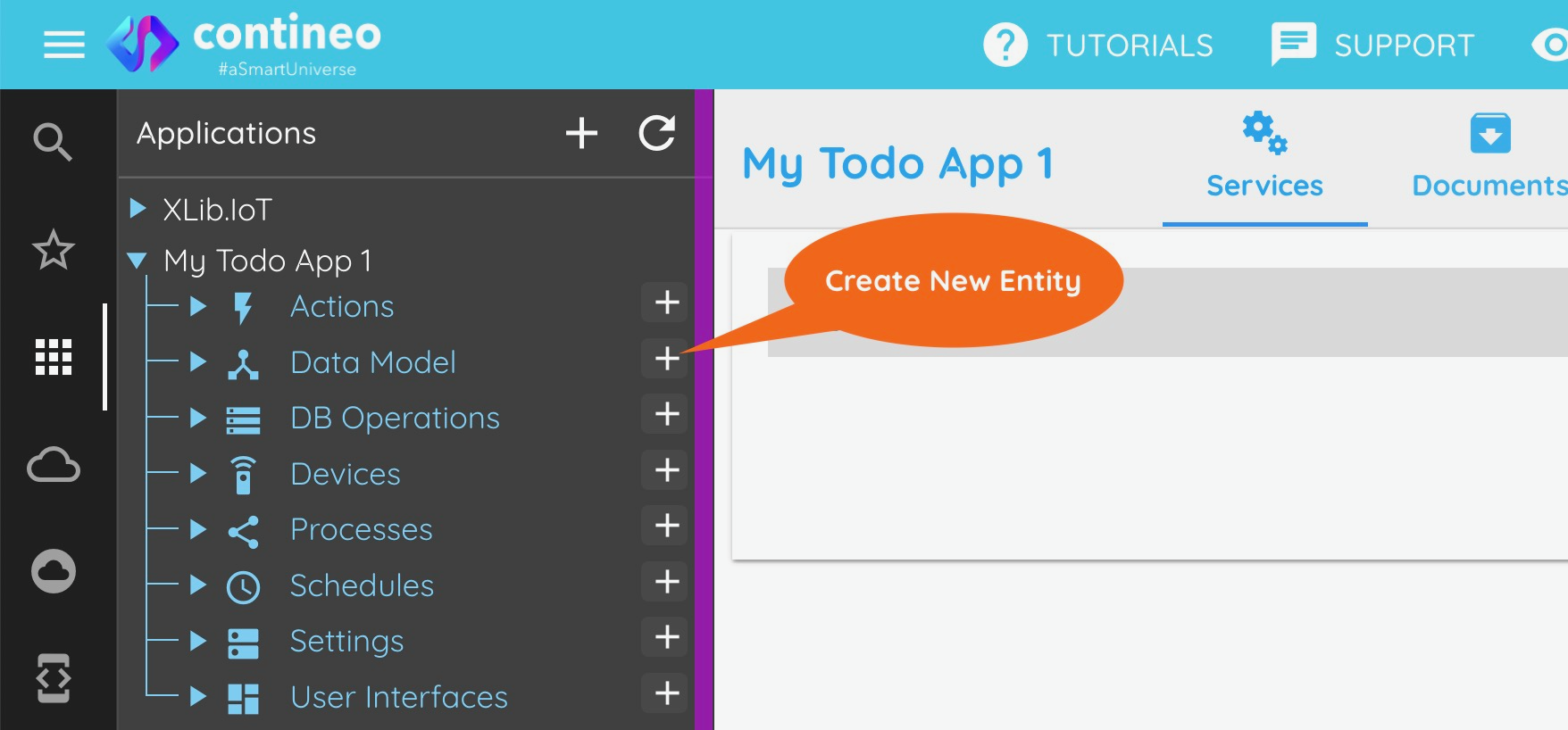
The new Entity is created and displayed in the designer.
To create a database table
To create a database table, you should create a data model.
Once the data model is saved, Search and Detail screens for the same are generated.
Drag the search screen of the entity into the web module and run the application.
Once you navigate to the screen in the application, the database is created.