Handling Web Socket Messages On the Client Side
Event Handling for the message received on the client side.
WebSocket Publisher publishes messages over a socket, which can be subscribed to on the client side. Mention the Topic and Message parameters. Define the specific event messagereceived.
Example: Create Publish Message Action to publish data over the socket
Open the UI Widget.
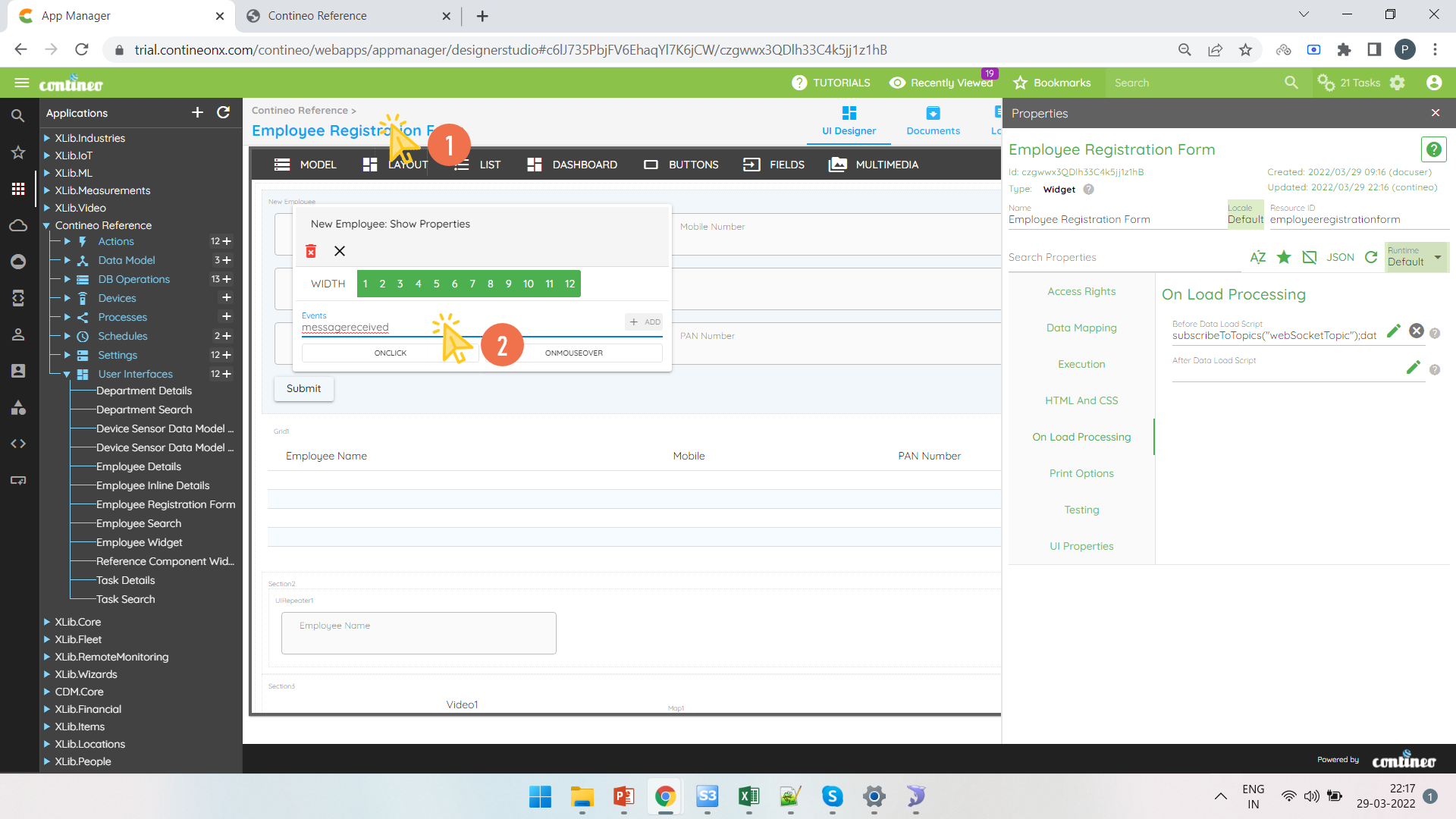
Right-click on a Section / Widget / Field and create a new event called "messagereceived". Save the widget.
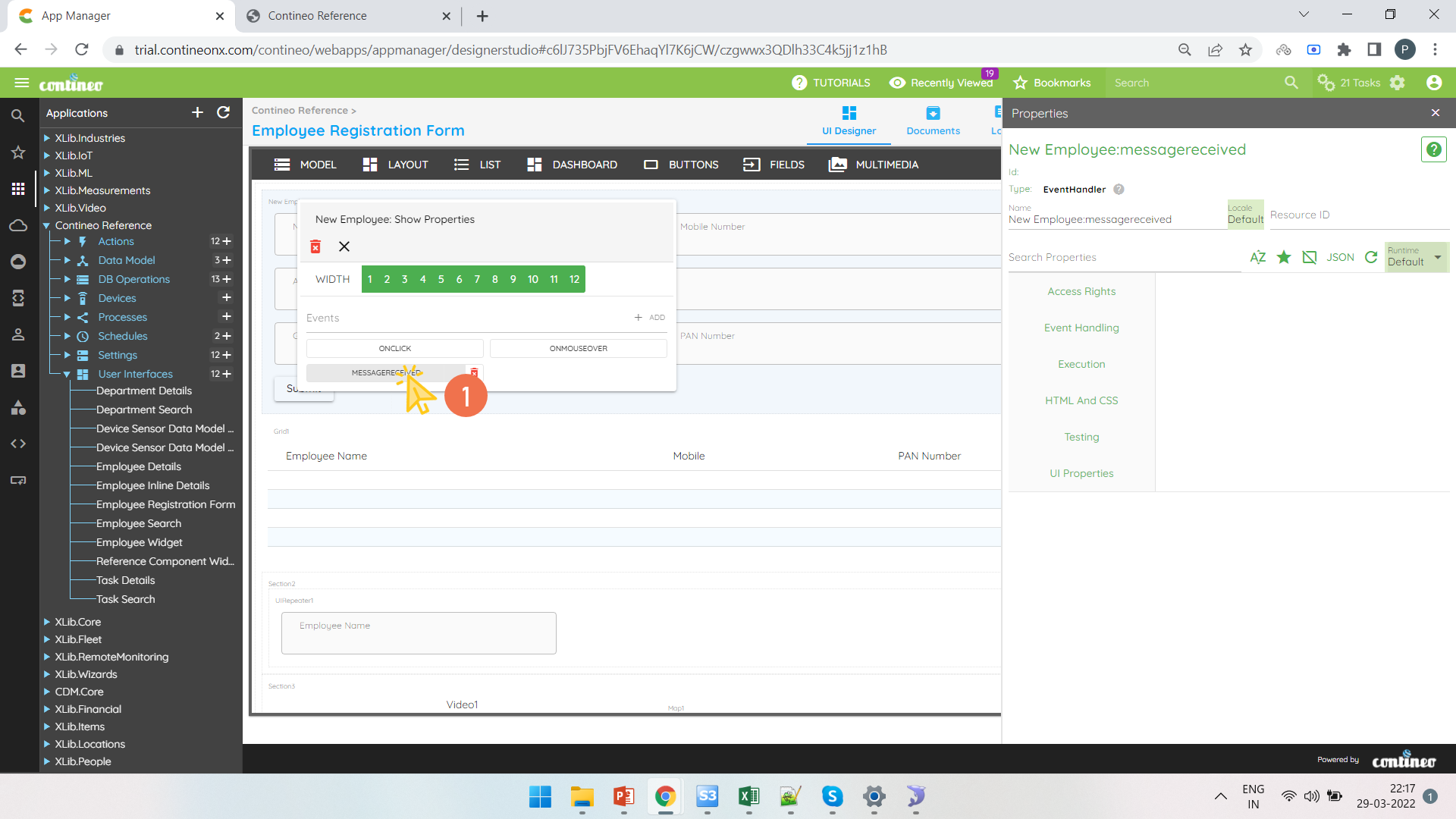
Click on "messagereceived" and open the Event Handling Properties Panel.
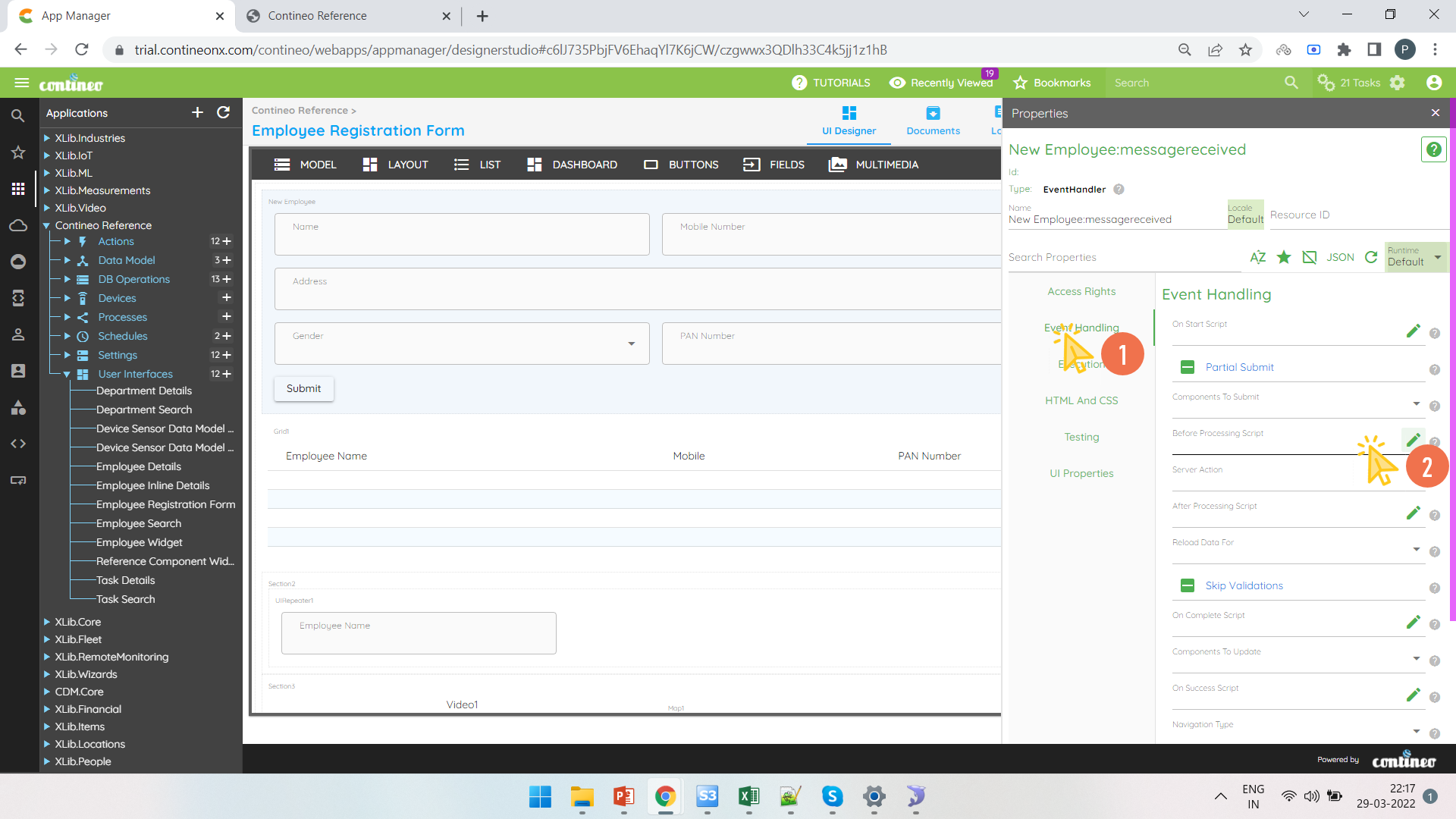
Click Event Handling > Before Processing to open the editor.
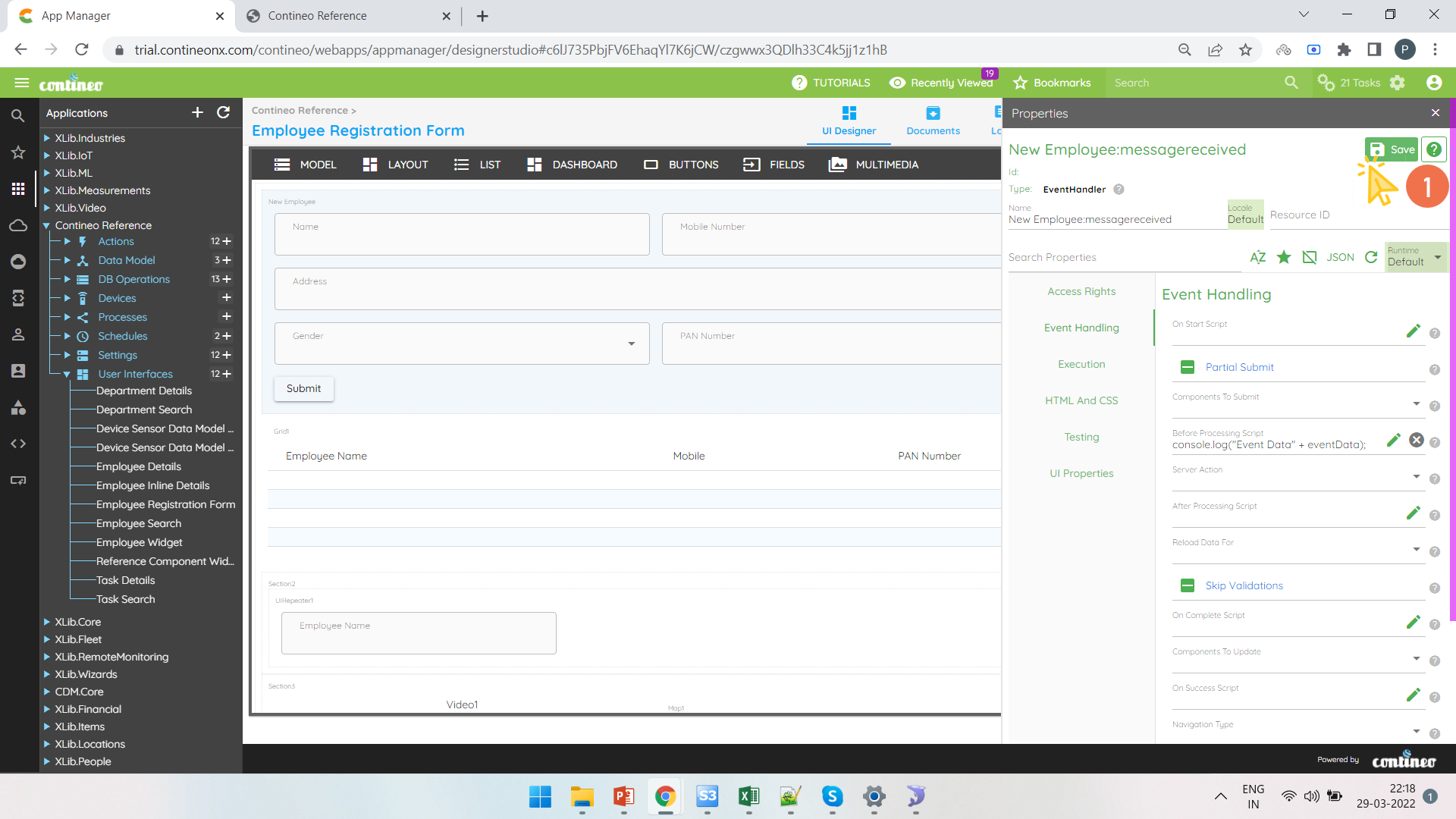
The data received over the socket is stored under
eventData.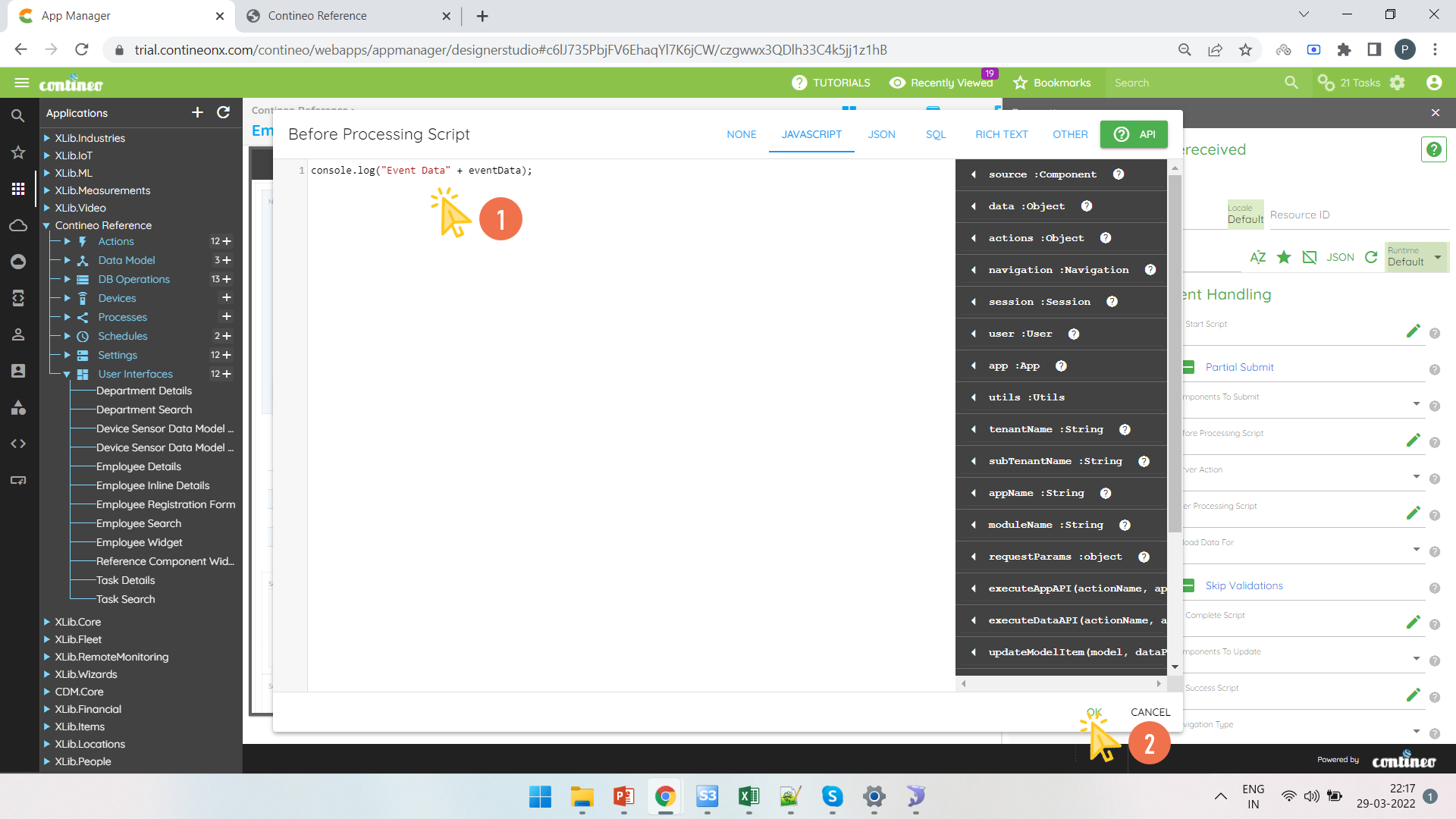
Click SAVE to save the configuration.