PDF Printing
PDF Printing - Print the web page as a .pdf file.
Suppose you have one dashboard where chart and grid are displayed and you need to create a PDF to send to the client.
Navigate to your widget.
Add new button.
Click Event Handling > Before Processing Script.
Write JavaScript to print the page.
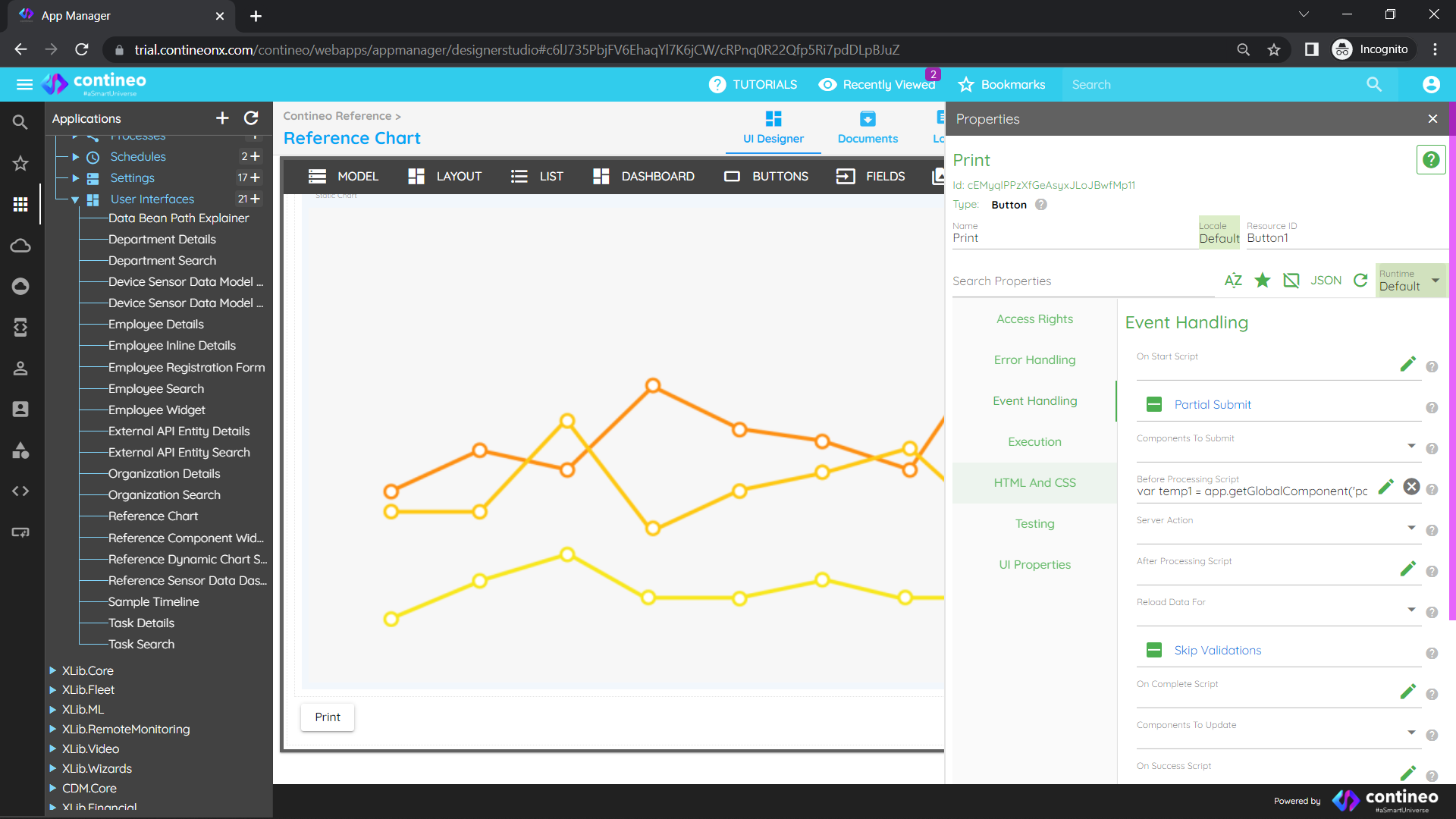
Sample:
vartemp1 = app.getGlobalComponent("pageWidget").$el.innerHTML;varprintContents = temp1;varoriginalContents = document.body.innerHTML;document.body.innerHTML = printContents;window.print();document.body.innerHTML = originalContents;Run the application. When you click the button, a PDF print popup is displayed.