Screen Navigation
You can navigate to any other screen when any trigger is initiated (for example, any button is clicked).
There are 2 ways to navigate to another screen:
Select any screen from the application from the list.
Write JavaScript for conditional navigation to any other screen in the application.
Steps:
Create one widget and add a button in it. Click the button.
To select a navigation screen from the list:
From the button property "Navigation Type", select View.
All the screens from your application are displayed under the "Navigate To View" property.
Select your destination screen.
To specify the navigation screen using JavaScript:
From the property "Navigation Type", select CustomURL.
From the property "After Processing Script", specify JavaScript for conditional navigation as follows:
var a = 0;
if (a == 0)
    navigation.url = "cm1xM8wmonfoKMfabwkqGposy";
else
    navigation.url = "cg1WaPNnd7fLL8fAd6MRz13S0";
The value specified in
navigation.urlis the ID of your screen. See the following image to get this ID: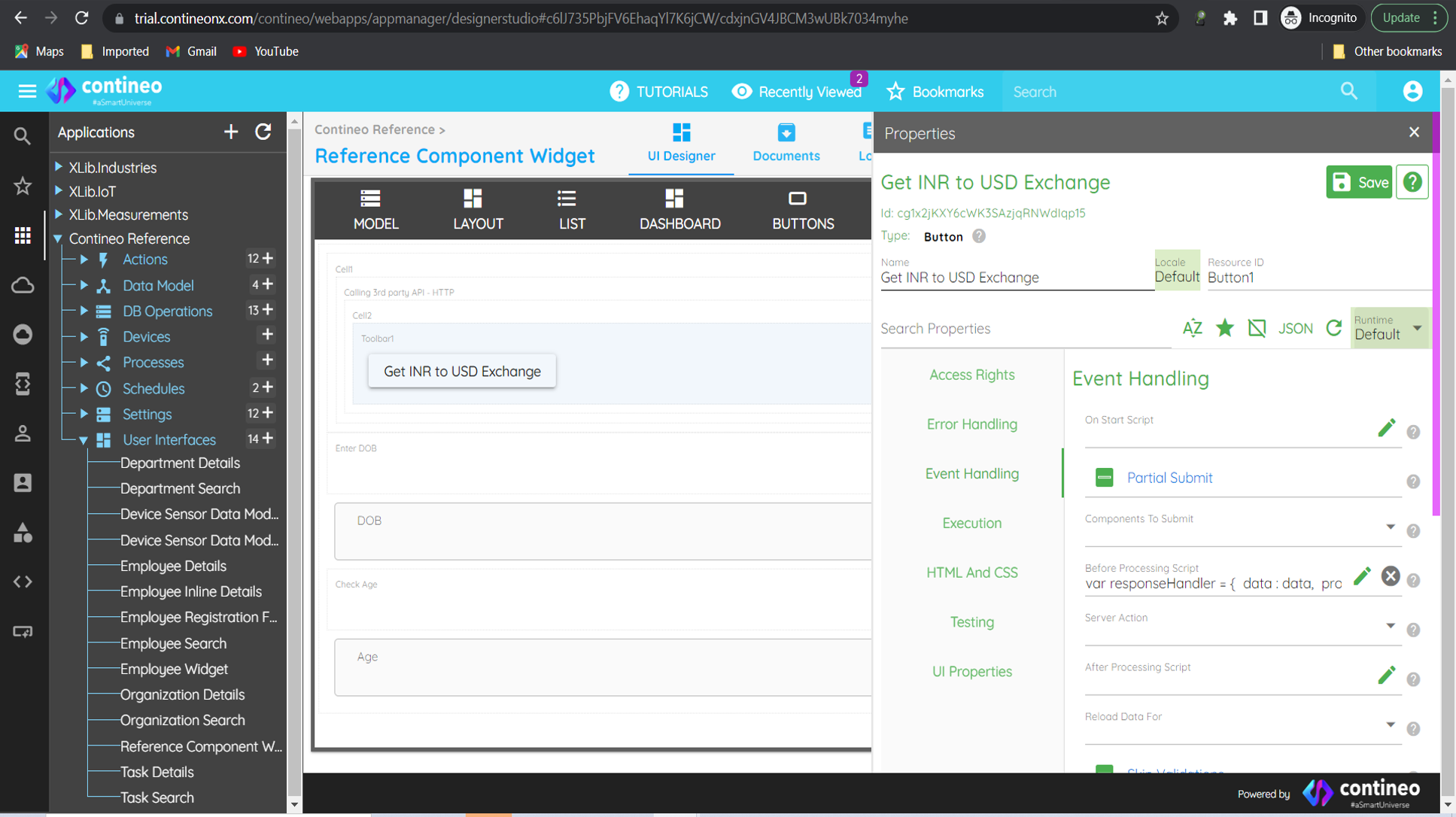
Click SAVE.