Column Value Formatter - For Grid or Table
Formulate the values for a column in a grid or table.
You can format certain values of a column in a grid. For example, you can add a button or specific text to a column.
To append "Rs" before the value in the Salary column of an Employee table:
Steps:
Open a UI Widget. Create a new table or grid.
Add the Salary column to the table or grid.
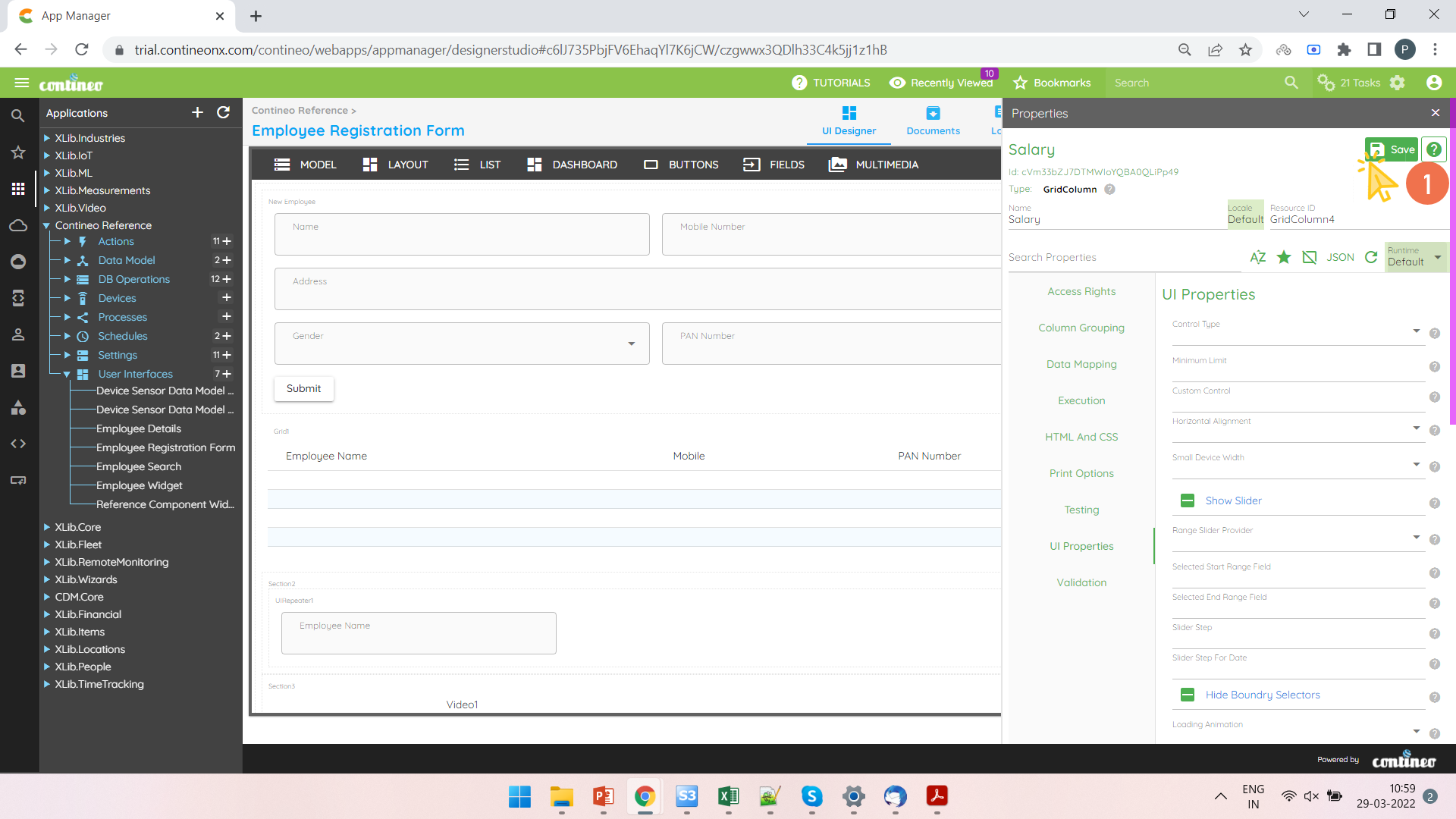
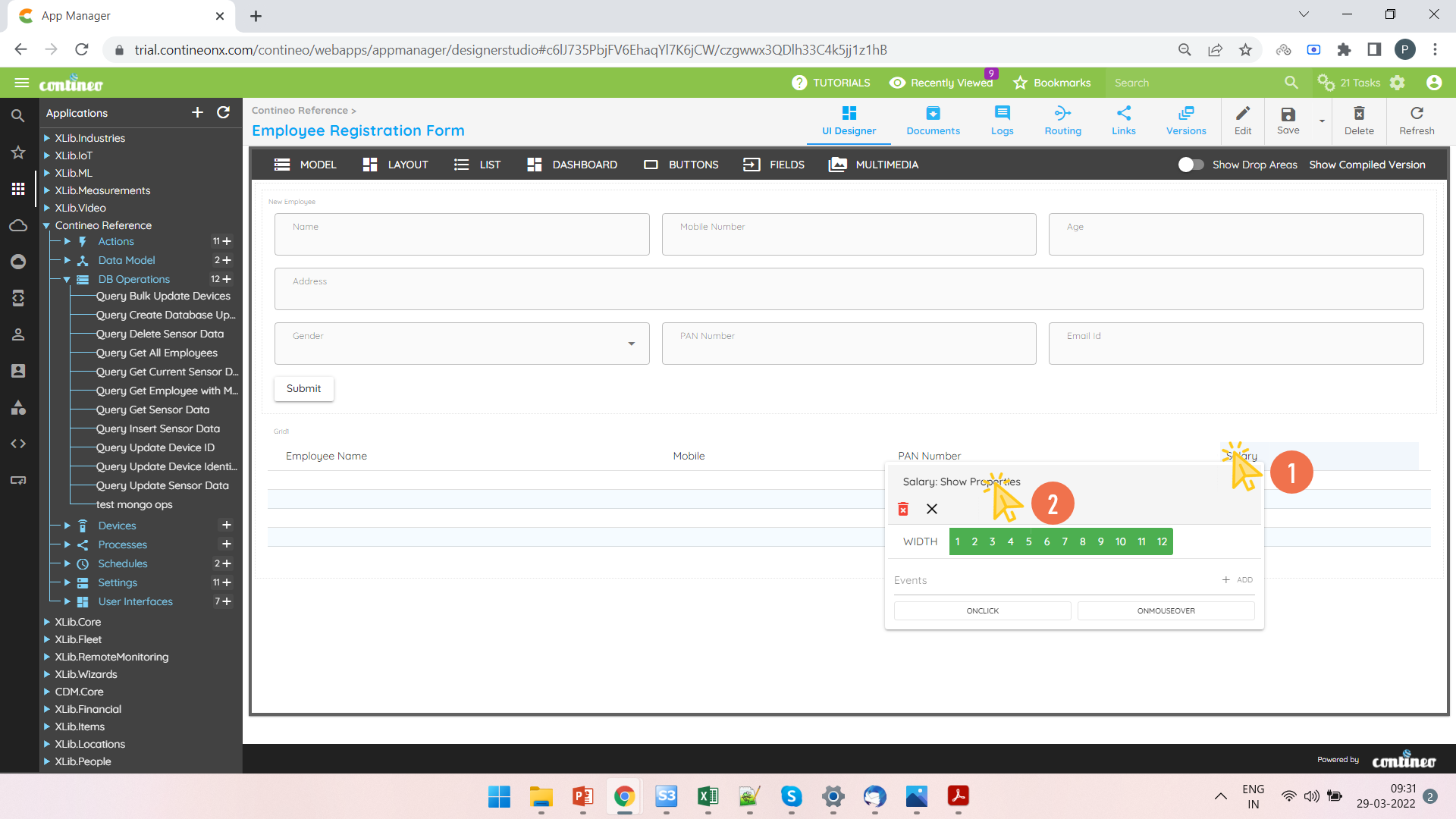
Right-click on the Salary column that needs to be formatted and open the Property Panel.
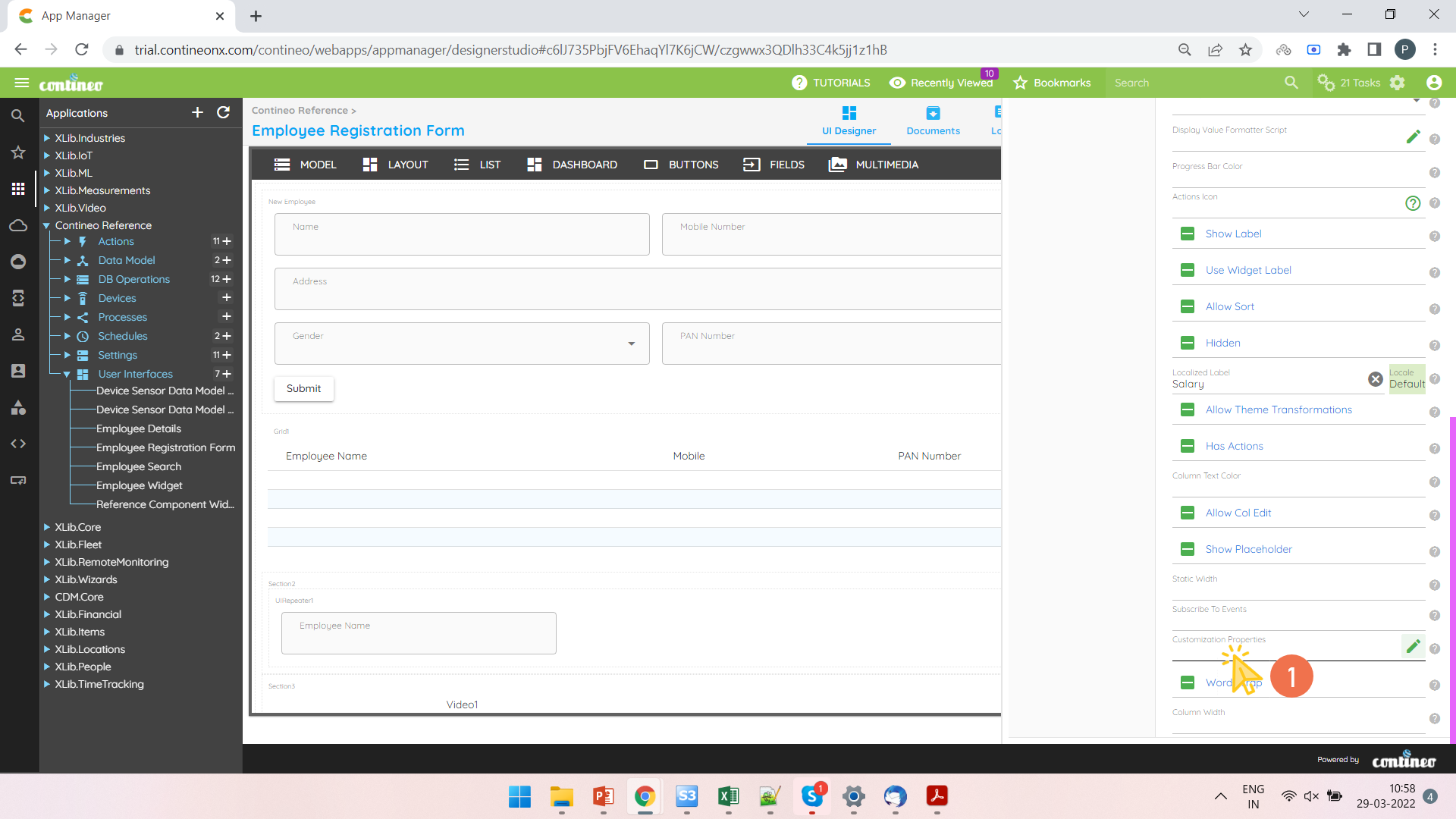
Open the Customization Properties from UI Properties > Customization Properties.
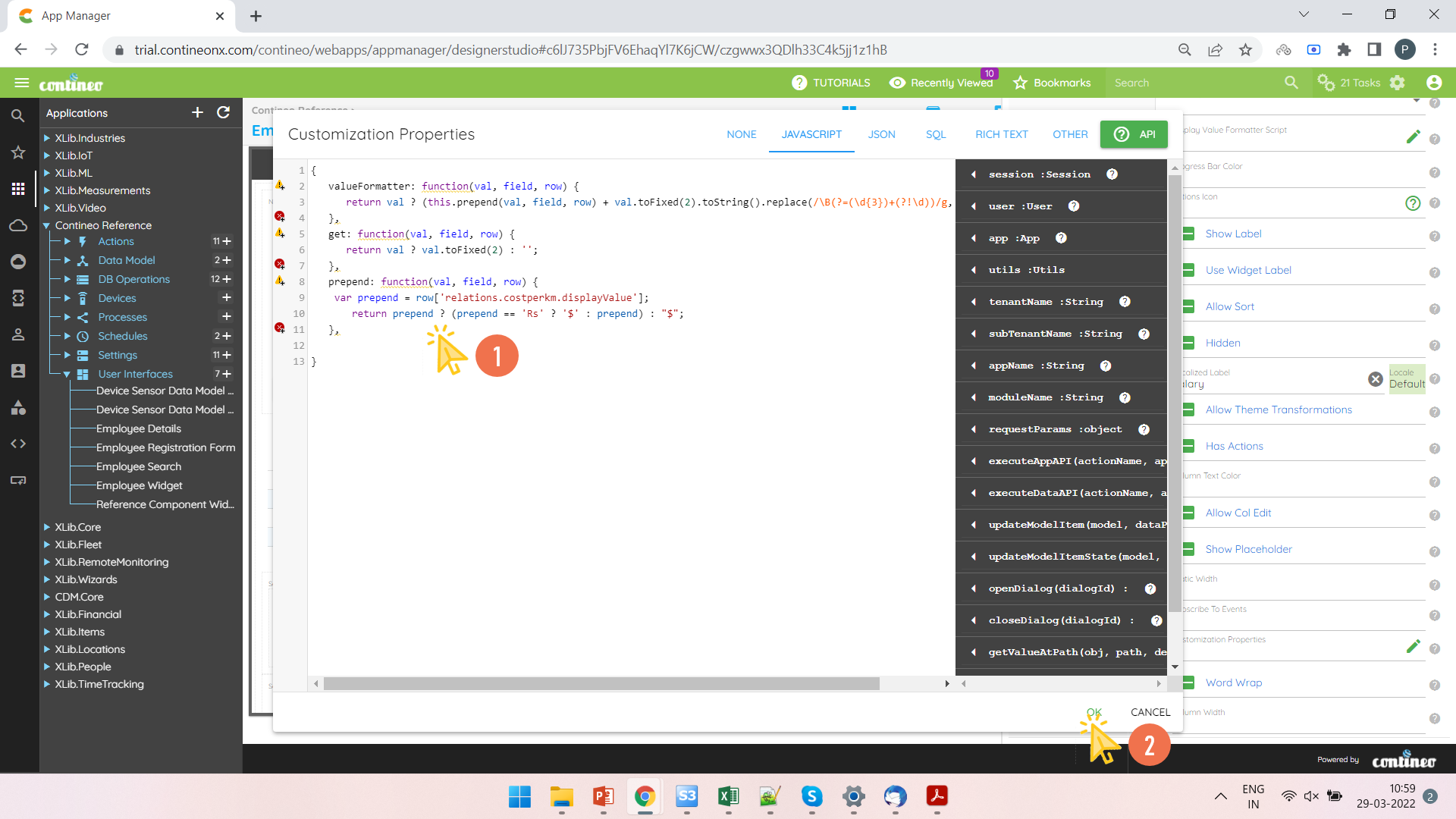
Write down the value formatter code and click OK.
Click SAVE.