Dropdowns - Creating Dropdown UI Component in Contineo
Creating Dropdown UI Component in Contineo.
To add a Gender field in the Registration form which should be a dropdown:
Steps:
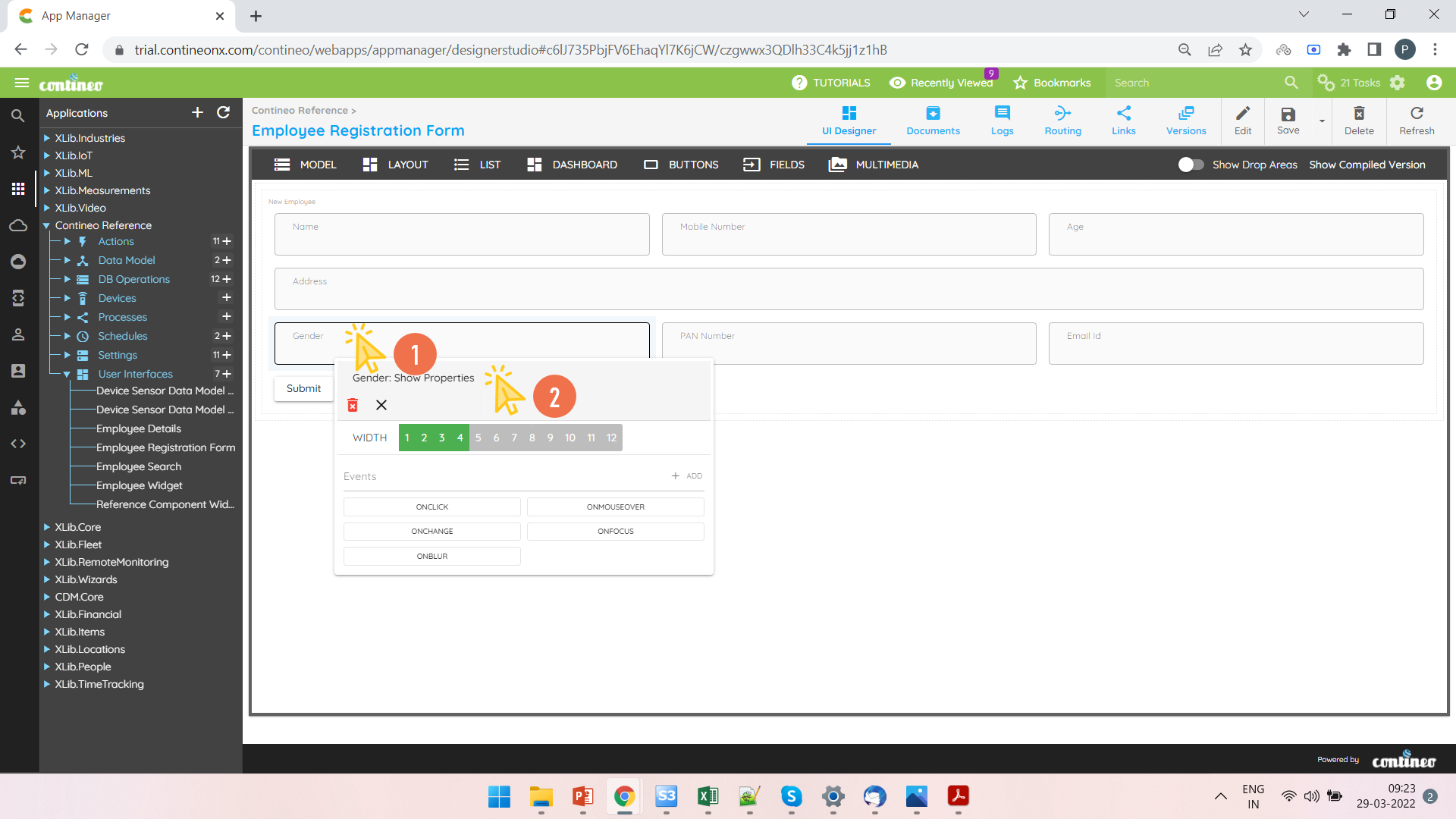
Open a UI Widget. Add a field to a section.
Right-click the field and open the property panel.
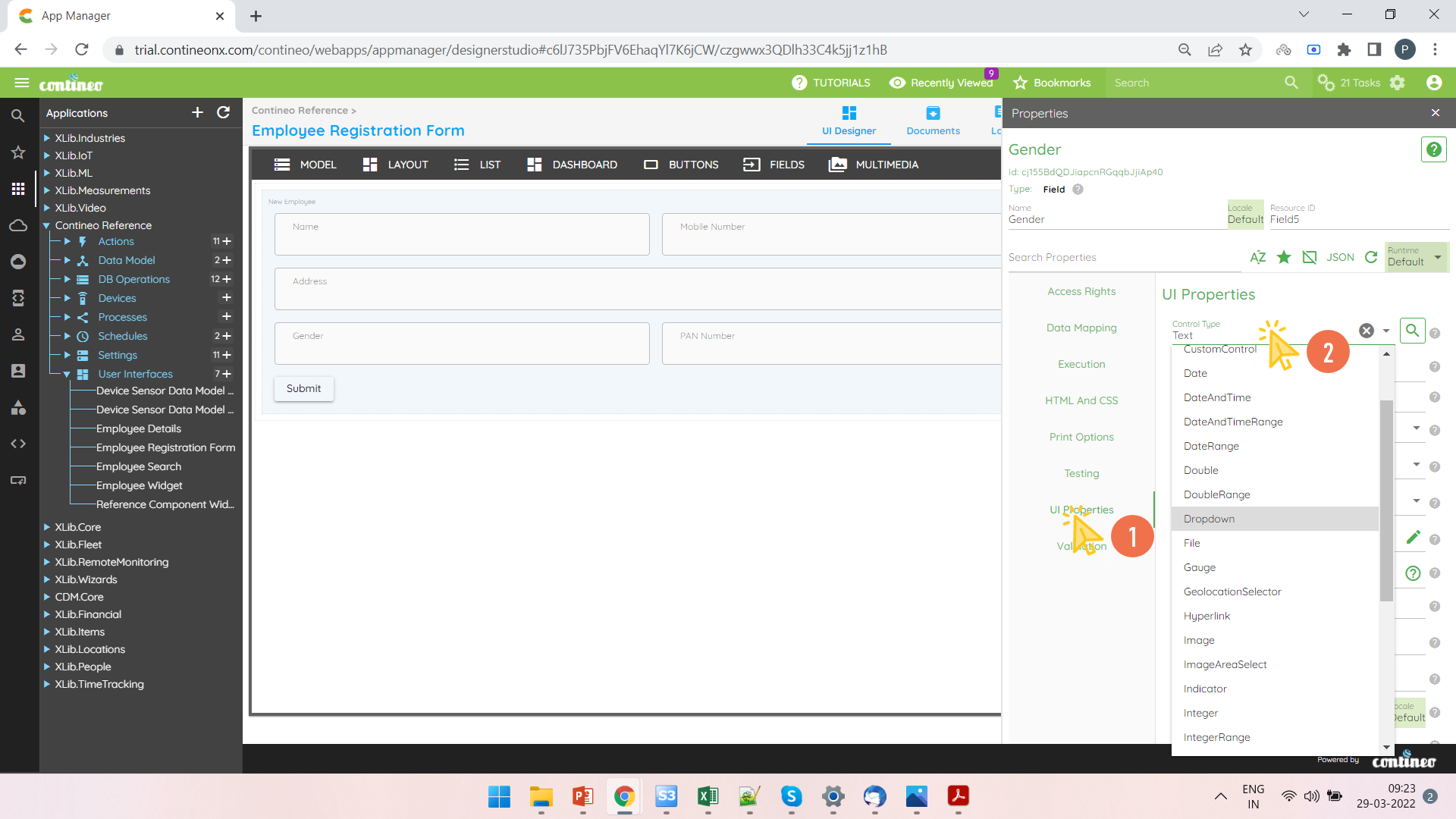
Select the Control type as Dropdown in UI Properties > Control Type.
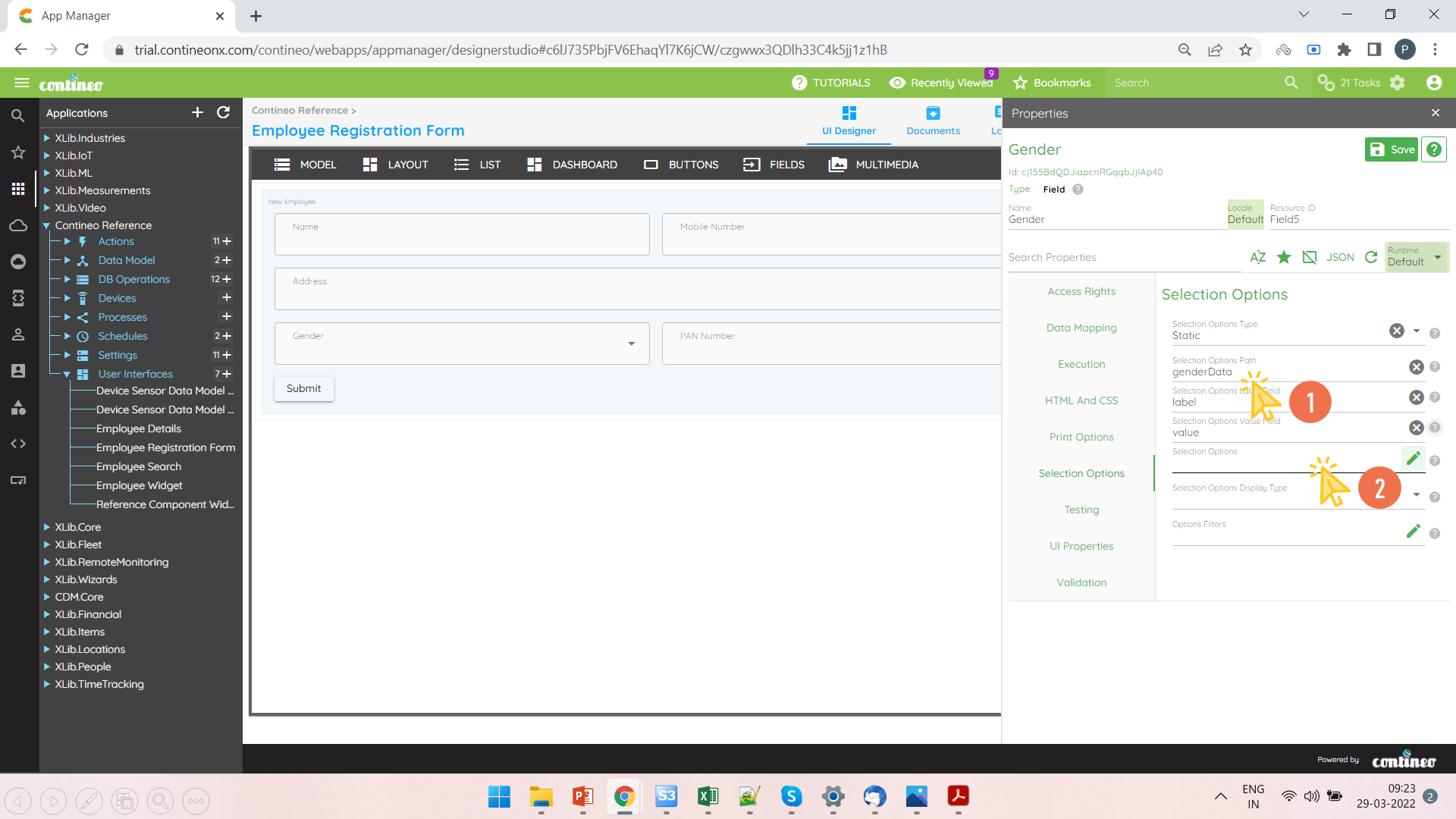
Navigate to Selection Option in the Properties Panel of the same field.
Select Option type as
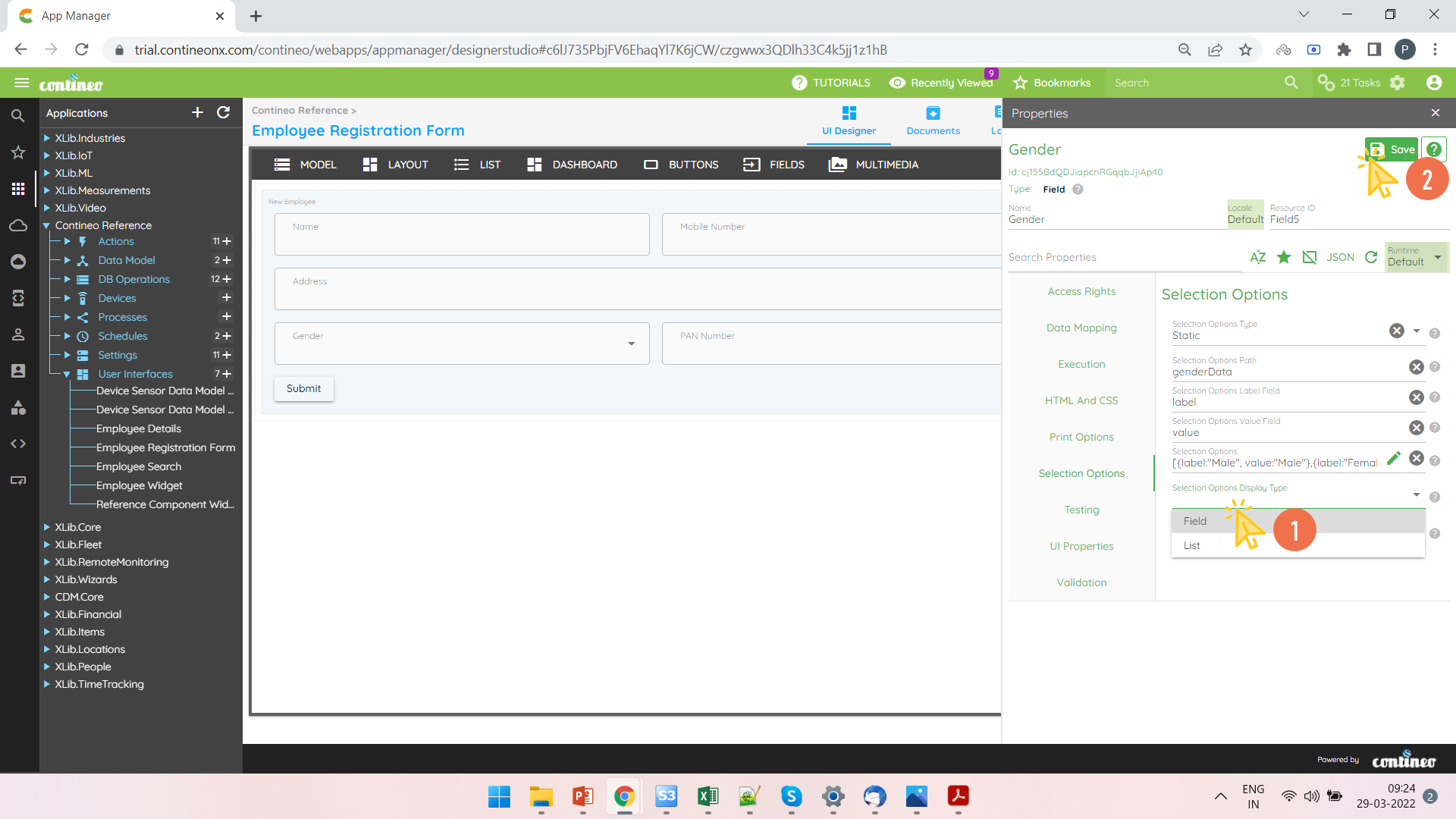
"static"under Selection Options > Option Type.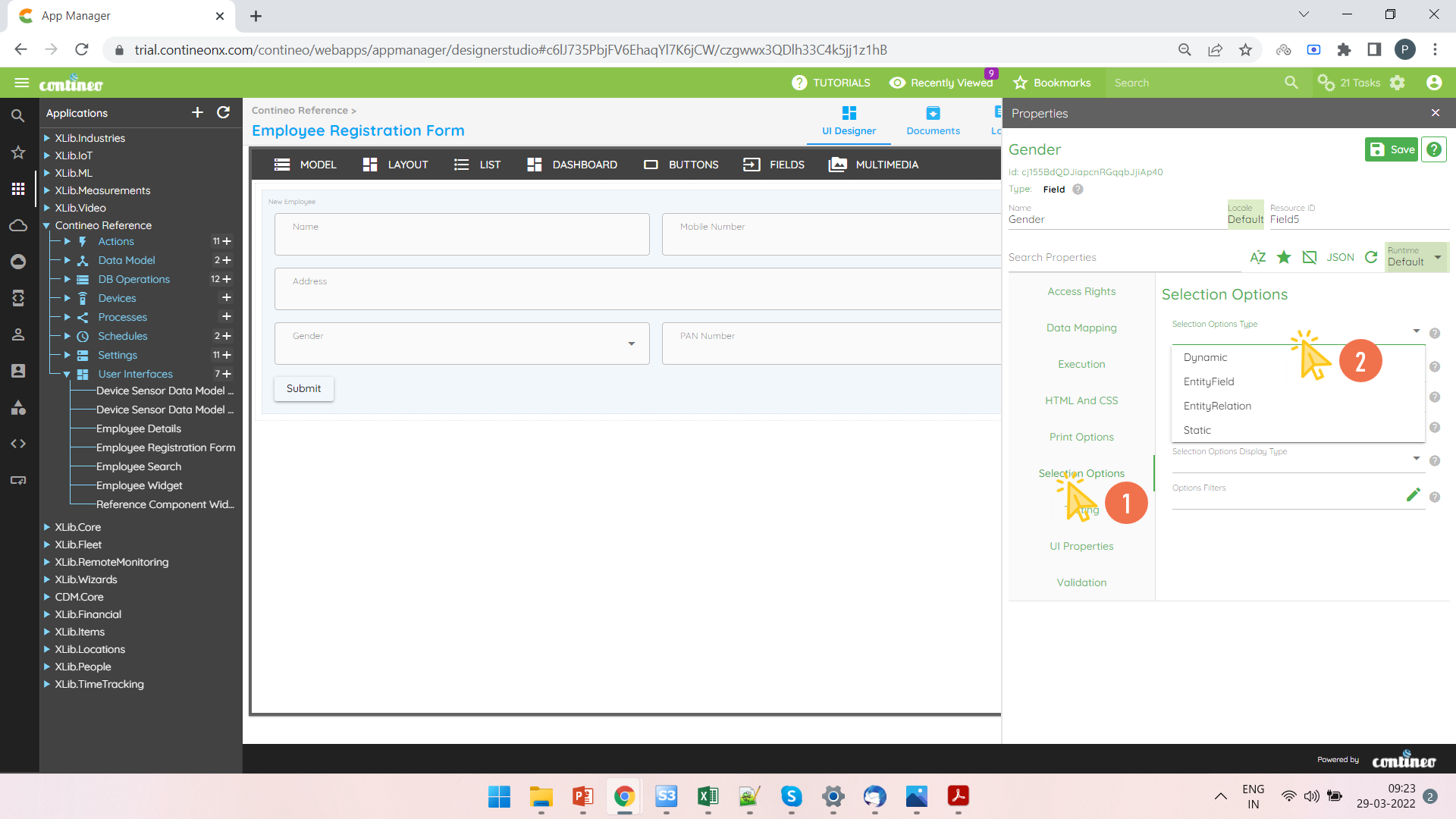
Click Selection Options under Selection Options > Selection Options to open the editor for options.
Write down the options under the JSON Array in the editor.
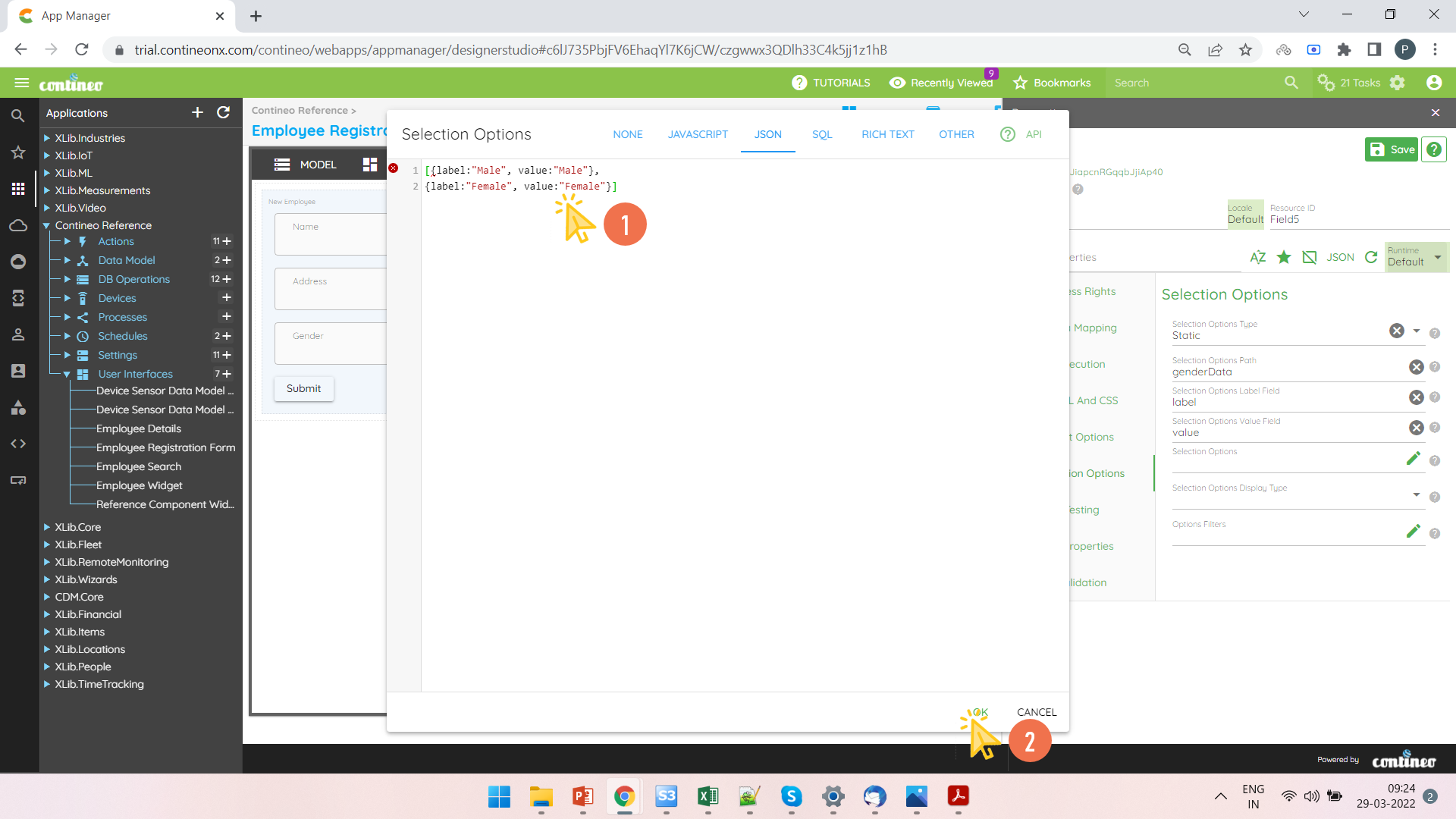
Click SAVE.